Mini laptop cooling pad
A mini laptop cooling pad sits under a compact notebook, lifting the rear edge and pushing air across the base plate where heat collects. The small footprint suits thirteen- and fourteen-inch machines, netbooks, and travel setups where a full-size pad would overhang the desk. Most units draw power from a spare USB port, so the pad starts working the moment the cable connects.
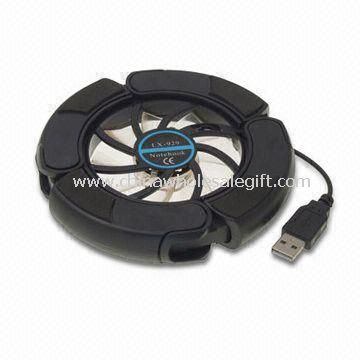
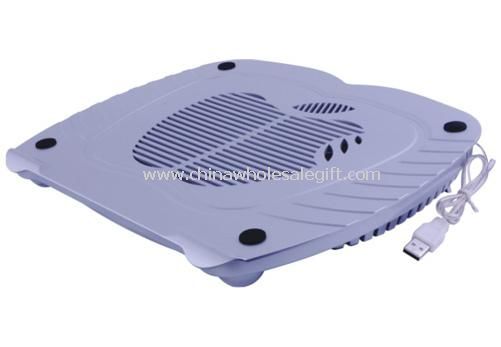
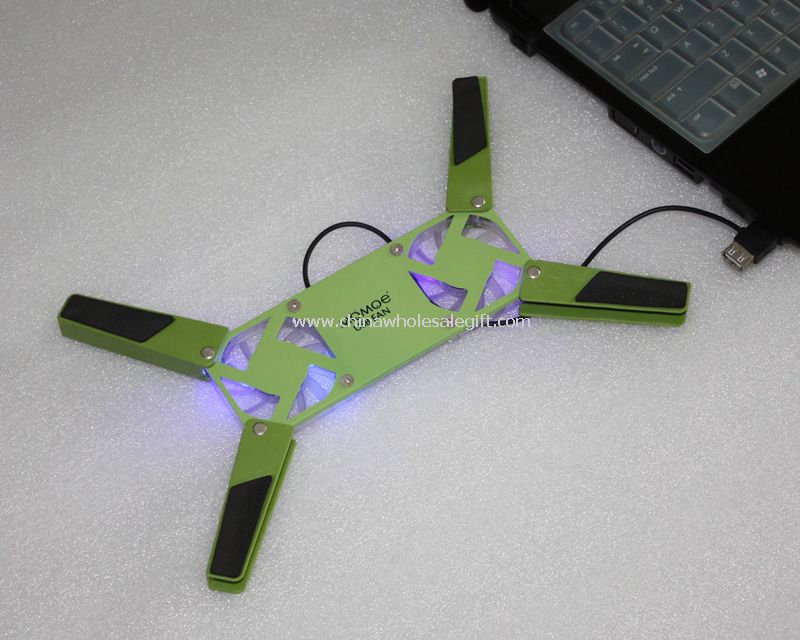
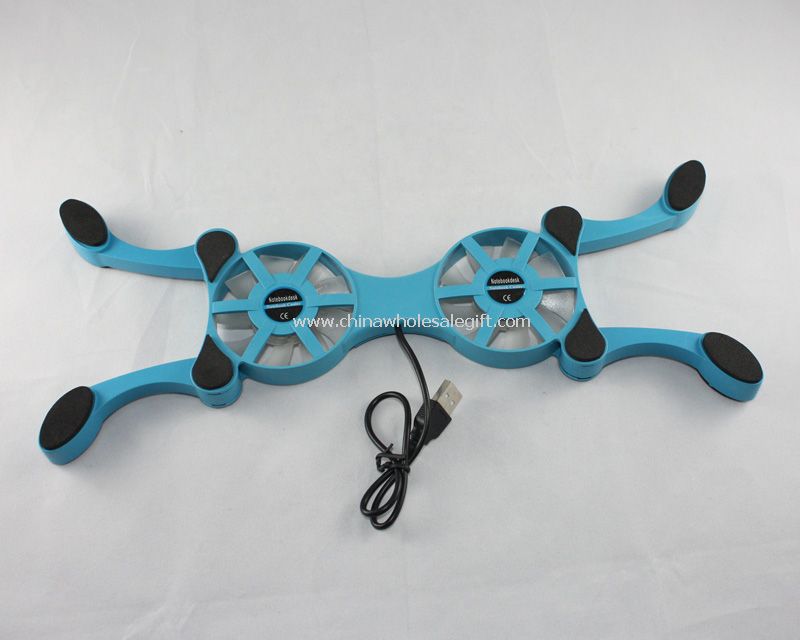
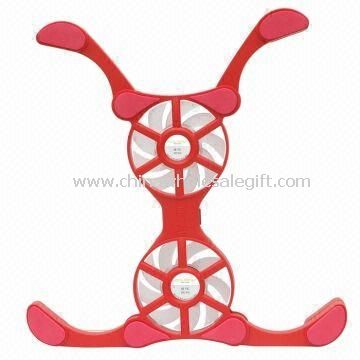
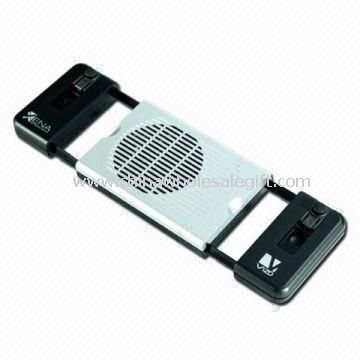
Builds vary across the shelf. A super mini laptop cooler pad keeps a single blower under the chassis, while the octopus shape spreads several small fans toward the corners of the notebook. Plastic shells keep weight down for commuters and students; aluminum models stiffen the platform and spread surface heat. The cute mini notebook fan and the Apple shape pad lean on decorative housings for buyers who want personality on the desk.
Cooling performance depends on airflow rather than size. Buyers should check fan diameter, blade count, and rated noise, since a low noise laptop cooling pad matters in libraries and shared offices. Confirm the surface tilts to a comfortable typing angle, that rubber feet grip a smooth desk, and that grilles stay clear when the machine is set down.
Power draw deserves a close look at the sourcing stage. Ask how the pad connects, whether it passes the laptop's charge through, and how much current the fans pull from a single port. Cable length and connector orientation decide whether the pad fits a crowded hub or a docking station. Request a sample and run it through a full workday before committing to a volume.
Promotional suppliers and distributors stock this family for back-to-school programs, corporate gifting, and electronics bundles, while end users are students, remote workers, and travelers packing light. Inspect bearing quality, housing seams, and the finish on decorative shapes, then compare carton dimensions and stacked weight before organizing freight for a mixed pallet.
6 products