USB DVI
Display expansion hardware turns a single video output into a multi-screen workstation, and this category collects the compact adapters that do the job over a USB connection. This corner of the USB product branch speaks to importers and IT buyers who outfit office fleets and home workstations.
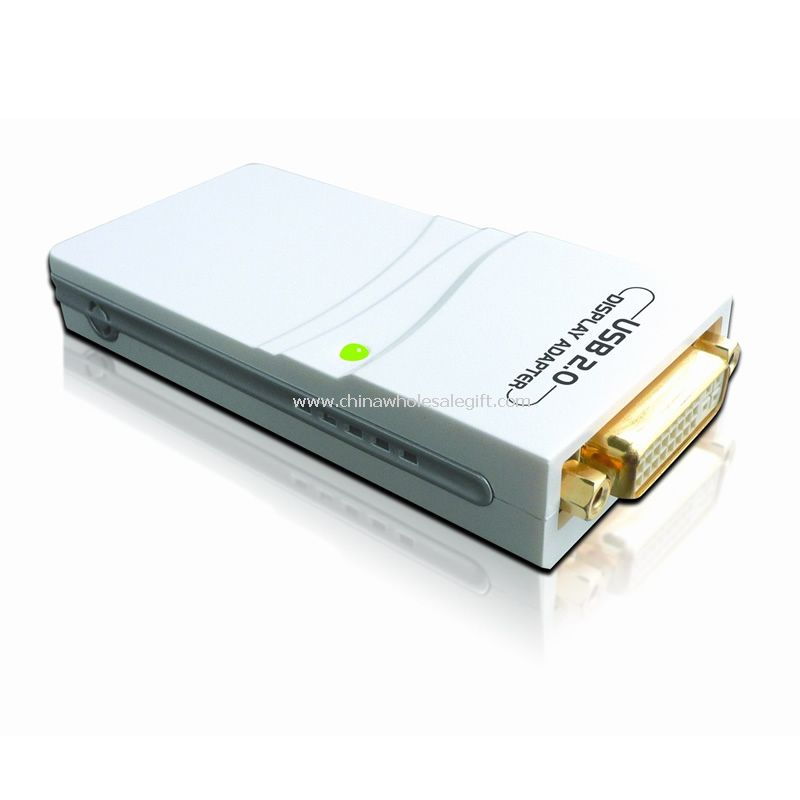
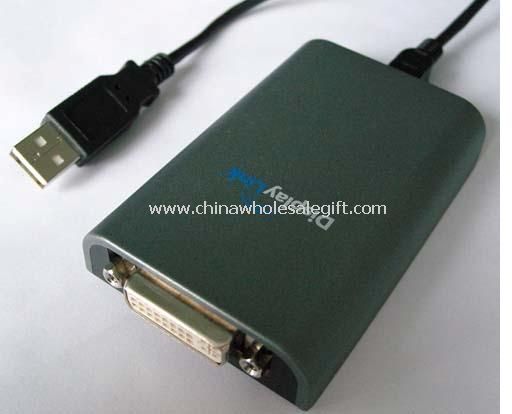
Three product shapes appear in the listings: simple display cables in the HDMI family, compact external video adapters that bridge a USB port to legacy monitor connections, and fuller multi-output units that split one connection across several screens. All share the same pitch, adding screens without opening the computer case.
Technically these are display adapters in the truest sense: they take video data over the general-purpose port and re-encode it for a monitor. That means the practical limits are refresh rate, color depth, and whether the driver plays nicely with the operating system in use. Buyers should test against the exact software stack their customers run, since behavior differs between versions.
Buyers here skew strongly toward trade and office channels. Office refurbishers add second monitors to finance and support desks, digital signage integrators wire multiple screens into a single player, and traders sell display kits to work-from-home buyers. Financial departments and coding shops are classic repeat customers because spreadsheet and multi-window workflows reward extra screen area.
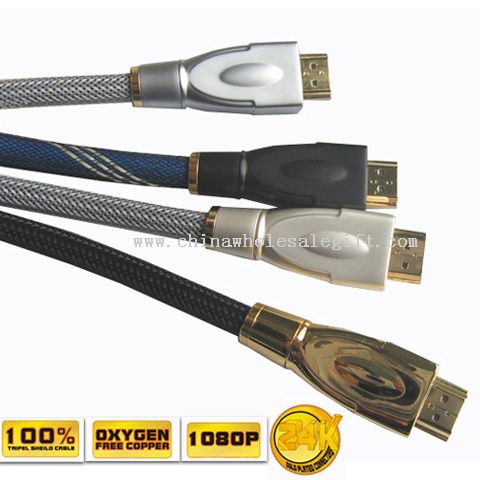
Metal-shell cable variants appear alongside the adapters and serve the same display-extension job in cabled form, useful when the monitor sits close to the machine. Buyers building a display offer often quote these adapters alongside internal expansion cards, which arrive at the same multi-screen outcome by a different route.
Presentation leans toward small cartons with a driver disc or download card. The category belongs with the adapter family in the branch, and sourcing cables, adapters, and extenders together covers a complete installation.
3 products