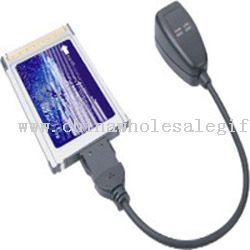
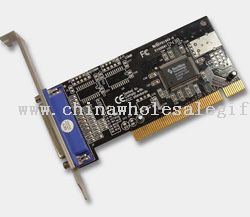
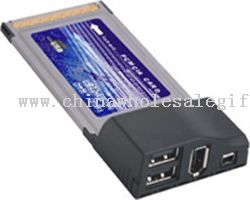
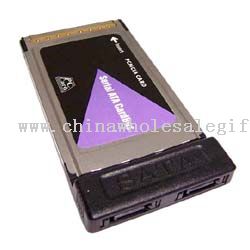
PCMCIA & PCI card
A technician slides a PCMCIA network adapter into an older notebook, watches the link light settle, and the machine is back on the office network. This shelf gathers the cards that keep legacy laptops and desktop towers useful long after their original slots went out of style, covering both the slim credit-card format and the taller PCI boards that sit inside a case.
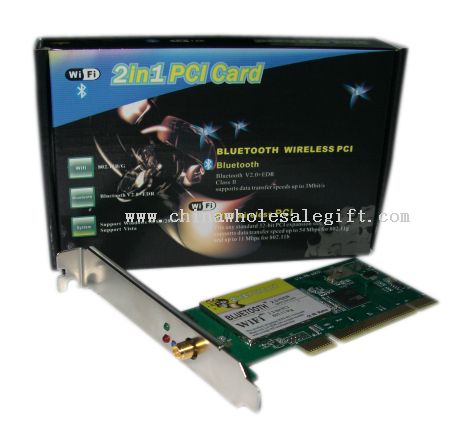
PCMCIA cards slip into the side bay of a portable computer, while PCI cards mount on a desktop motherboard and present their sockets at the rear bracket. Builds favor sturdy edge connectors, shielded metal housings, and clear labeling so a user can seat a card correctly without hunting for a manual. Most units here are bus adapters and interface bridges rather than storage or radios.
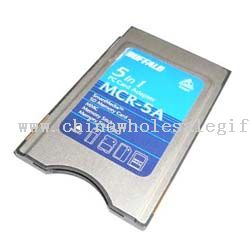
The range sits in the mid range of the shelf, which suits buyers who want dependable construction without moving into specialty or obsolete-stock territory. Related lines on the same aisle include a Lan CardBus adapter, a PCMCIA card reader, and the wider family of notebook pc accessories. Wholesale buyers often combine these cards with readers and cables in a single order for repair shops and refurbishers.
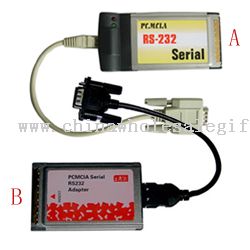
End users are typically IT technicians, field engineers, and hobbyists keeping older hardware alive, along with offices that still run legacy equipment for a specific job. A network interface card is the common request, followed by serial and parallel bridges. Buyers should confirm slot type, bus width, and the connector layout before committing to a case quantity.
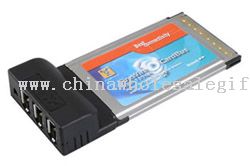
Practical sourcing checks start with the card format, since a PCMCIA slot and a CardBus slot accept different modules, and continue through bracket height for PCI boards. Inspect plating on the edge fingers, ask how the card is packed for shipping, and request samples to test in the target machines. A lan card that seats firmly and holds its link is the measure that matters.
8 products